
Home / Capability list
What the Windows build can do
Plain-language notes on each major part of TubeMate. Numbers refer to catalog specs for release 6.3.16.
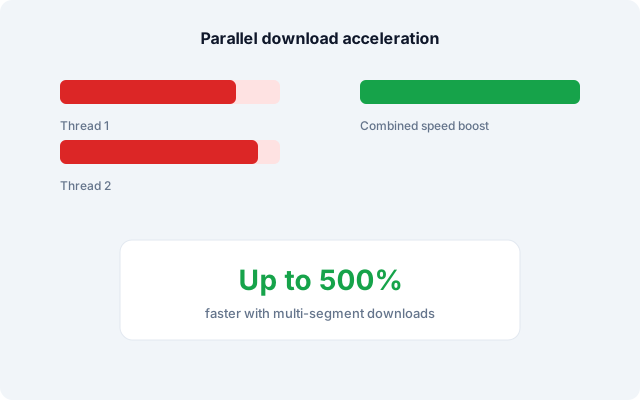
Work is split across several HTTP segments so a single large file can use more of your bandwidth. Catalog text cites up to 500% gain versus a single-connection grabber on fast networks.
- Parallel segment fetch with automatic retry on blips
- Separate threads per queued item when configured
- Progress shown per file and for the whole list
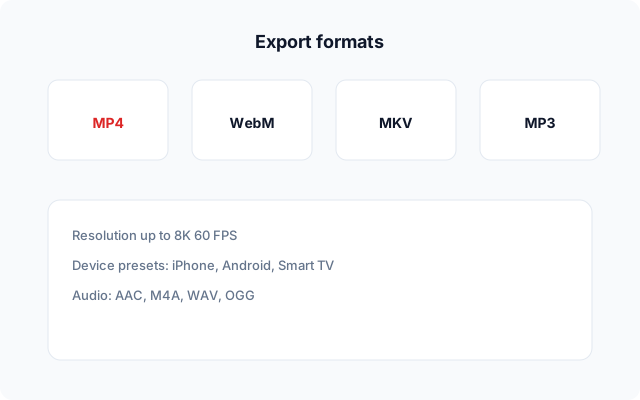
Pick a fixed height (720p–8K) or let TubeMate choose the best stream offered. Container and codec lists depend on what the host exposes.
- Video: MP4, WebM, MKV, AVI, FLV
- Audio: MP3, AAC, M4A, OGG, WAV
- Presets aimed at phone, TV, or editor handoff
The program began around YouTube pages and expanded to other hosts. Availability changes when a site updates its player.
- YouTube, Facebook, TikTok, Instagram, X/Twitter
- Additional hosts in some regional builds
- DRM-locked streams cannot be stored
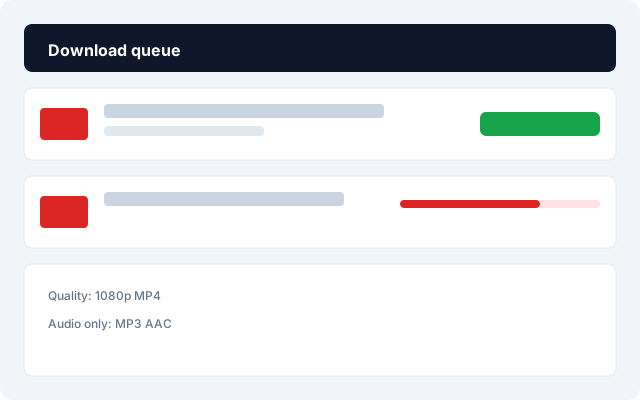
- Pause, resume, or cancel without restarting finished bytes
- Reorder pending rows before they start
- Clear completed lines to keep the list readable
A lightweight viewer checks sync and audio before you move files into an editor. Controls cover play, pause, seek, volume, shuffle, repeat, and fullscreen.

Remux or transcode after download for most common pairs. Rare codecs may still need an external tool on older Windows installs.
| OS | Windows 10 or 11 (64-bit builds) |
|---|---|
| Storage permission | Required to write and index saved media |
| Network | Required while fetching; not needed for playback offline |